演示如何處理地理位置請求。
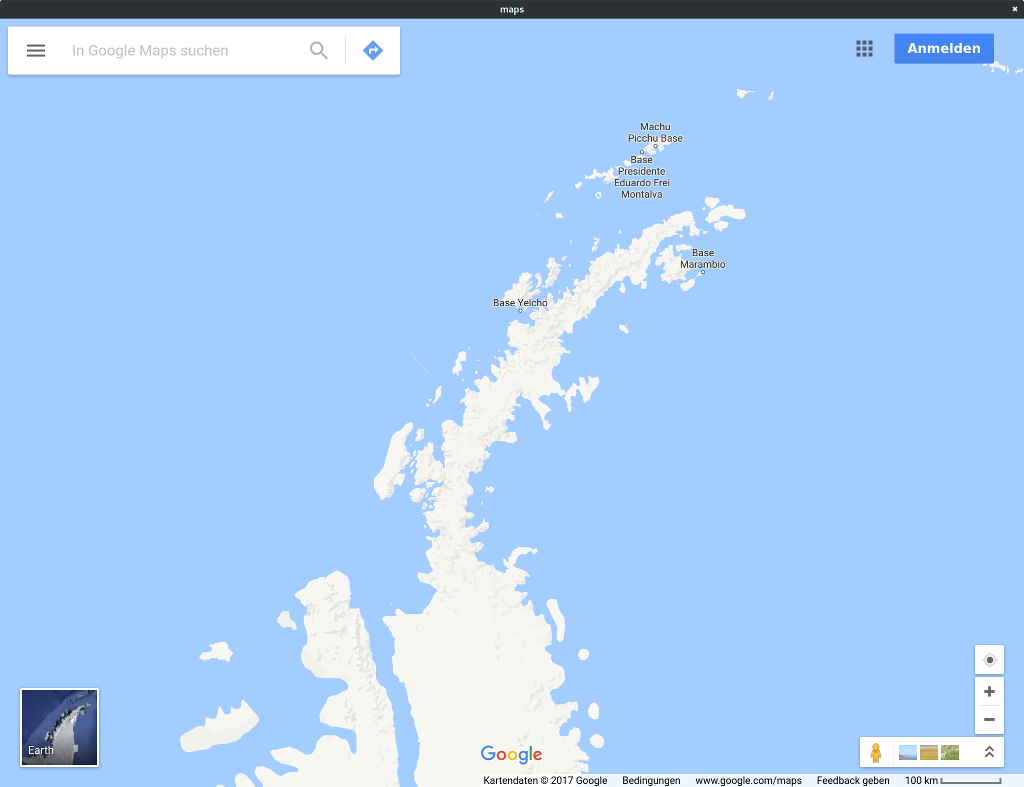
映射 演示如何處理地理位置請求來源自 QWebEnginePage .
The 地理位置 API is a JavaScript API that web applications can use to determine the user's physical location to show on a map, for example. As Qt WebEngine relies on Qt Location to power this API a viable location backend is needed for the target platform.
To avoid accidentally sending location information to third parties geolocation requests are denied by default. This example demonstrates the steps an application must take in order to start accepting these requests.
要運行範例從 Qt Creator ,打開 歡迎 模式,然後選擇範例從 範例 。更多信息,拜訪 構建和運行範例 .
The example program consists of a single class,
MainWindow
,繼承
QMainWindow
:
#include <QMainWindow>
#include <QWebEngineView>
class MainWindow : public QMainWindow
{
    Q_OBJECT
public:
    explicit MainWindow(QWidget *parent = nullptr);
private:
    QWebEngineView *m_view;
};
In the constructor we first set up the QWebEngineView as the central widget:
MainWindow::MainWindow(QWidget *parent)
    : QMainWindow(parent)
    , m_view(new QWebEngineView(this))
{
    setCentralWidget(m_view);
We then proceed to connect a lambda function to the QWebEnginePage::featurePermissionRequested signal:
    QWebEnginePage *page = m_view->page();
    connect(page, &QWebEnginePage::featurePermissionRequested,
            [this, page](const QUrl &securityOrigin, QWebEnginePage::Feature feature) {
This signal is emitted whenever a web page requests to make use of a certain feature or device, including not only location services but also audio capture devices or mouse locking, for example. In this example we only handle requests for location services:
        if (feature != QWebEnginePage::Geolocation)
            return;
Now comes the part where we actually ask the user for permission:
        QMessageBox msgBox(this);
        msgBox.setText(tr("%1 wants to know your location").arg(securityOrigin.host()));
        msgBox.setInformativeText(tr("Do you want to send your current location to this website?"));
        msgBox.setStandardButtons(QMessageBox::Yes | QMessageBox::No);
        msgBox.setDefaultButton(QMessageBox::Yes);
        if (msgBox.exec() == QMessageBox::Yes) {
            page->setFeaturePermission(
                securityOrigin, feature, QWebEnginePage::PermissionGrantedByUser);
        } else {
            page->setFeaturePermission(
                securityOrigin, feature, QWebEnginePage::PermissionDeniedByUser);
        }
    });
Note that the question includes the host component of the web site's URI (
securityOrigin
) to inform the user as to exactly which web site will be receiving their location data.
使用 QWebEnginePage::setFeaturePermission method to communicate the user's answer back to the web page.
Finally we ask the QWebEnginePage to load the web page that might want to use location services:
    page->load(QUrl(QStringLiteral("https://maps.google.com")));
}
文件:
另請參閱 Qt WebEngine HTML5 Geolocation and Qt Location .
