A persistent side panel with Drawer.
This example demonstrates how Drawer can be used as a persistent side panel.
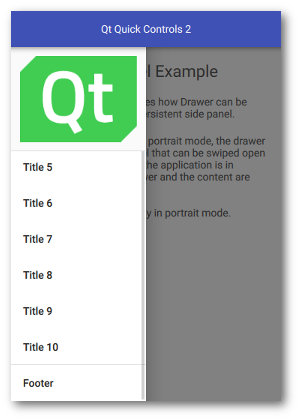
An interactive Drawer in portrait mode |
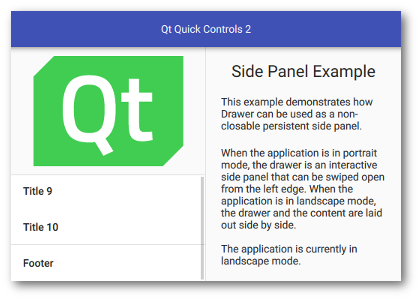
A non-interactive Drawer in landscape mode |
When the application is in portrait mode, the drawer is an interactive side panel that can be swiped open from the left edge. It appears on top of the content, blocking user interaction through its modal background. When the application is in landscape mode, the drawer and the content are laid out side-by-side.
The current orientation of the application is determined by comparing the width and height of the window:
readonly property bool inPortrait: window.width < window.height
This is used to determine whether the drawer should be modal and interactive , and to configure its position and visibility accordingly.
    Drawer {
        ...
        modal: inPortrait
        interactive: inPortrait
        position: inPortrait ? 0 : 1
        visible: !inPortrait
        ...
    }
要運行範例從 Qt Creator ,打開 歡迎 模式,然後選擇範例從 範例 。更多信息,拜訪 構建和運行範例 .
文件:
圖像:



