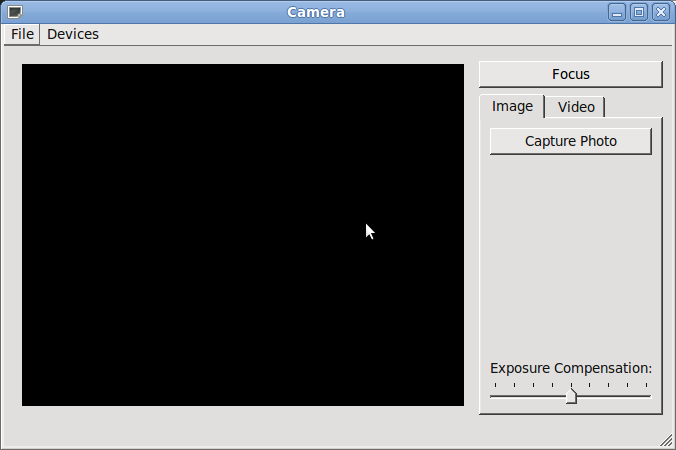
攝像頭範例展示如何使用 API 捕獲靜止圖像或視頻。
攝像頭範例演示如何使用 Qt Multimedia 實現一些基本攝像頭功能以獲得靜止圖像和錄製帶音頻的視頻剪輯。
要運行範例從 Qt Creator ,打開 歡迎 模式,然後選擇範例從 範例 。更多信息,拜訪 構建和運行範例 .
A Camera class is created that will act as our Camera. It has a user interface, control functions, setting values and a means of defining the location where the image or video clip is to be saved. It will also store the image and video settings.
The Camera class contains an instance of QCamera , the API class interface to the hardware. It also has an instance of QCameraImageCapture to take still images and an instance of QMediaRecorder to record video. It also contains the user interface object.
The Camera constructor does some basic initialization. The camera object is set to '0', the user interface is initialized and UI signal are connected to slots that react to the triggering event. However, most of the work is done when the setCamera() function is called, passing in a QByteArray .
setCamera() sets up various connections between the user interface and the functionality of the Camera class using signals and slots. It also instantiates and initializes the QCamera , QCameraImageCapture and QMediaRecorder objects mentioned above. The still and video recording visual tabs are enabled and finally the start() function of the QCamera object is called.
Now that the camera is ready for user commands it waits for a suitable event. Such an event will be the key press of either the Qt::Key_CameraFocus or Qt::Key_Camera buttons on the application window. Camera focus will simply display the viewfinder and lock the camera settings. Key_Camera will either call takeImage() 若 captureMode() is QCamera::CaptureStillImage , or if the capture mode is for video then one of two actions will occur. If the recording state shows that we are currently recording then the stop() function is called resulting in a call to QCamera::stop (), whereas if we are not recording then a video recording is started with a call to QMediaRecorder::record ().
文件:
